DataGun support
Help with DataGun — capture, extraction, and your account
Need a hand? Reach our team directly and we’ll get back to you. For questions about your account, billing, or a document that didn’t extract cleanly, email us with a short description and we’ll follow up.
Email: support@thedatagun.ai
Phone: (586) 992-6472
FAQ
How do I capture a document?
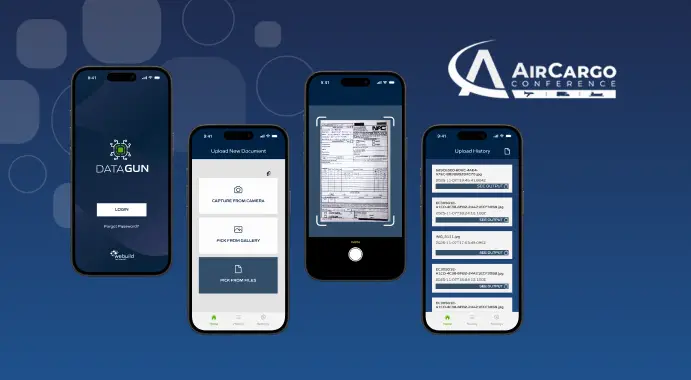
Tap the camera icon, point it at your BOL or AWB, and capture. For the best results, make sure the document is flat and well lit.
What documents does DATAGUN support?
DataGun supports Bills of Lading (BOL), Air Waybills (AWB), and related freight/cargo (OTHER) documents.
Why did my document fail validation?
Before accepting a submission, DataGun checks image quality, required fields, and signature. If any of these don't pass, re-capture the document with better lighting and a clear, complete view of the page.
How do I email a document?
After extraction, tap EMAIL DOCUMENT and enter the recipient's information to send the extracted report.
Where are my saved documents?
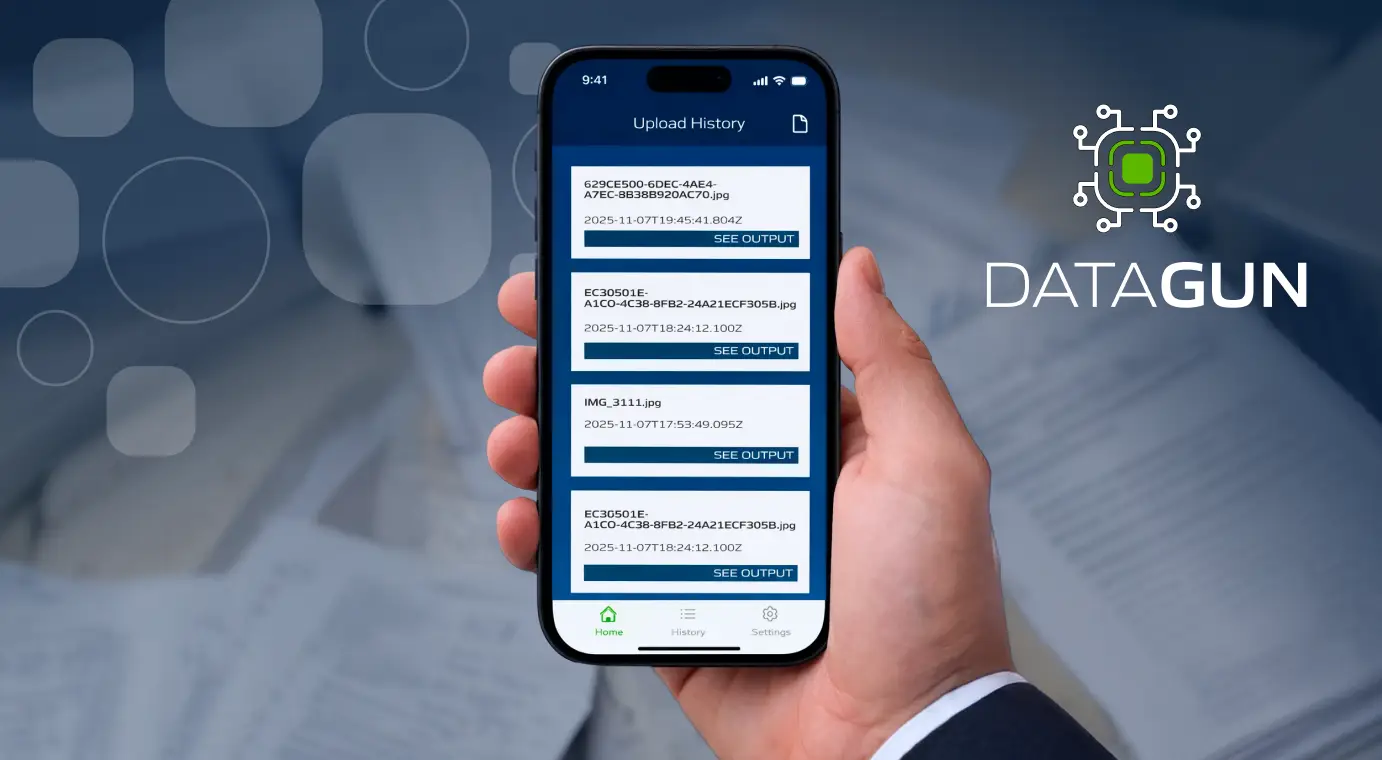
All saved documents are available in the History tab at the bottom of the screen.
How do I create an account?
You can set up an account from the login screen — choose the sign-up option and follow the prompts.
DataGun is a product of WeBuild Databases Inc. See also our Privacy Policy and Terms of Use.